
At a Singapore food fair or pop-up, an extra selling lane is useful only if the team can still prepare, identify and hand over the right order. A small handheld device does not decide who packs the food, checks a failed payment or answers a guest after closing. An event POS should support those responsibilities from the first rehearsal.
This guide connects Rewardly CommerceOS, LoyaltyOS and PaymentOS around five practical decisions: who owns each sale, how orders reach preparation, which rewards apply, how payment is confirmed, and who handles the closing review. The examples are illustrative. Hardware, payment acceptance, event support and any organiser-to-vendor financial arrangement need an agreed scope for your actual project.
1. Agree the event boundaries before configuring the till
List the participating businesses, stalls, service windows, selling positions and collection points. Decide whether customers pay each vendor or use a shared checkout, and who is responsible for refunds and enquiries. A shared venue does not automatically mean shared customer records, loyalty benefits or funds. Confirm the permitted access and commercial responsibilities before importing products or inviting staff.
For a food event, check the applicable approvals with the organiser early. Current SFA guidance distinguishes the temporary fair permit from licences for stalls handling or preparing food, with applications coordinated through the fair operator. Review the requirements for your venue and activity directly with SFA. This is established guidance reviewed on 30 October 2026, not a new announcement; installing a POS does not obtain those approvals.
2. CommerceOS: make the order travel to collection
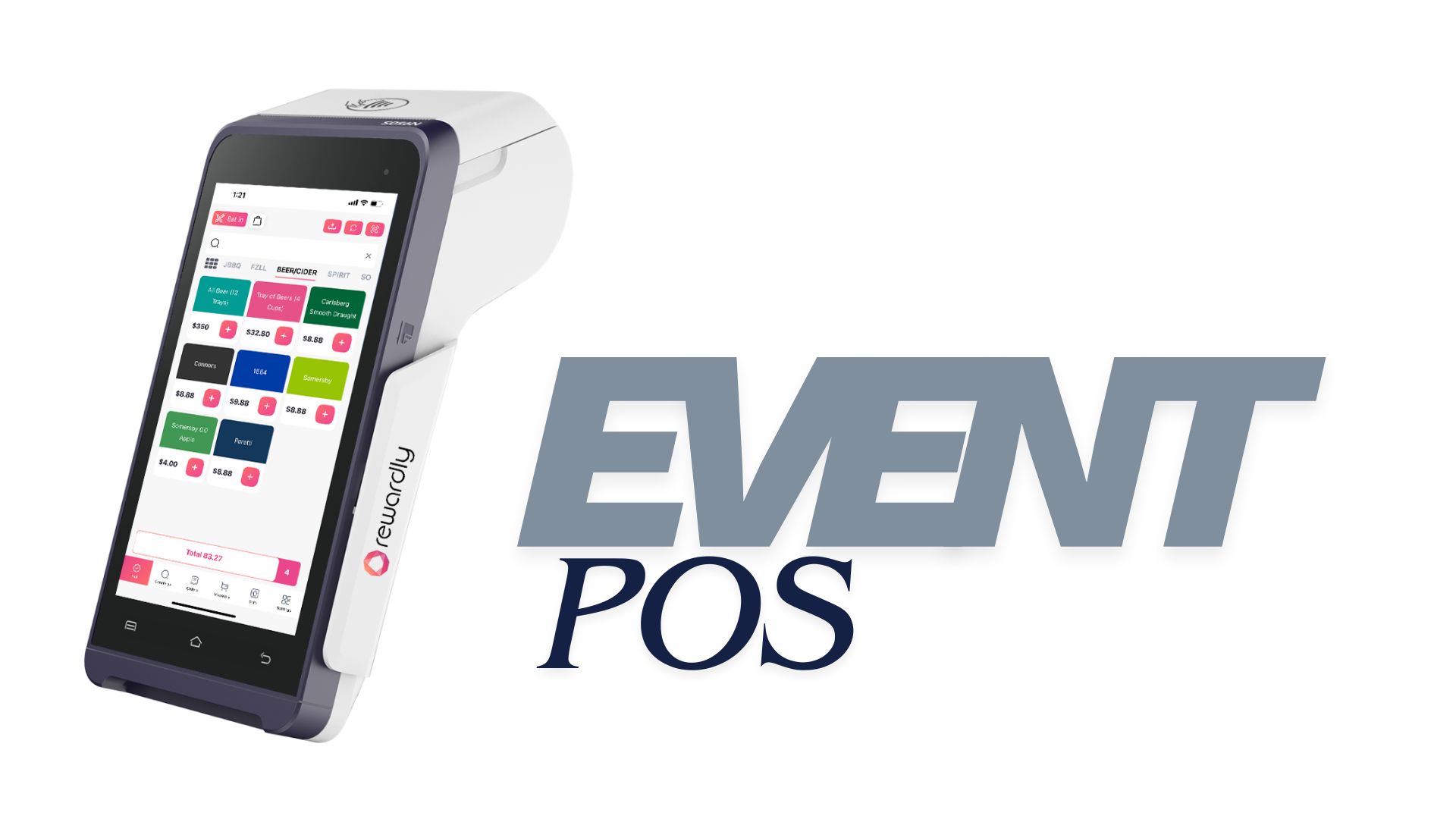
Choose fixed and mobile selling positions around the physical space. A compact device can help where counter space is limited, while a fixed station can anchor packing or enquiries. Confirm supported hardware, charging, printer connections and network coverage at the actual venue. Order-taking and card acceptance are different capabilities: demonstrate both on the proposed device rather than assuming that every handheld includes every payment service.
Start with a short event menu that staff can explain. Check the product, options, price, availability and collection instructions against the sign or online offer. In a fictional two-stall setup, a guest orders a rice bowl at one stall and a drink at another. Decide whether these are separate purchases and collection journeys. Do not promise a single shared basket or cross-vendor settlement without demonstrating the agreed configuration.
CommerceOS connects the basket with configured preparation outputs. Rewardly’s printing guide distinguishes customer receipts, kitchen chits and labels. Rehearse which printer receives each item and how staff recognise the completed order. Keep collection separate from the payment queue where the layout permits, with a clear reference that the guest and packer can compare.
For advance sales, the existing online pre-order guide covers the separate promise of a collection time and place. Confirm event availability, capacity and fulfilment rules before offering pre-orders. A paid advance order still needs a reliable route to preparation and collection; it should not disappear into a second, unchecked list when walk-in service becomes busy.
3. LoyaltyOS: give visitors a benefit the stall can honour
An event can introduce a new guest to a merchant’s ongoing membership. Keep the offer specific: which business issues the benefit, where it can be used, and when it expires. If several brands participate, agree whether the programme is shared or separate. A group relationship does not by itself make every reward valid at every stall or permanent outlet.
In Rewardly’s documented counter workflow, the cashier attaches the member before payment. Qualifying earning is calculated after the paid sale. Train temporary staff to locate the member, check the configured programme and explain the benefit. Do not substitute a generic receipt scan for that workflow or promise automatic recognition from every card payment.
Choose a modest offer that the next outlet can explain as clearly as the event team. For example, a merchant could discuss a return-visit voucher for a designated café, subject to its configured eligibility and dates. This is an offer-design example, not a live Rewardly promotion. Keep optional marketing separate from serving the order, and provide a staff-assisted route for membership questions.
4. PaymentOS: confirm the sale and plan the close
PaymentOS helps the team review the payment side of trading. Its payment reports support date, outlet, register and source filters. Agree who reviews the relevant tenders and exceptions after each shift. The recorded sale, a payment-provider confirmation and a later bank payout answer different questions; a busy closing total should not hide an unresolved charge.
Test an approved payment, a decline, a timeout and a refund enquiry with the payment service actually enabled. When a separate terminal is recorded as a custom tender, staff still need to compare the machine’s total with the POS tally. Confirm the applicable fees, refund process, onboarding dependencies and payout terms in writing. There is no universal instant approval, automatic tenant disbursement or fixed settlement deadline for every event.
5. Rehearse the exceptions with the people on shift
Walk through one ordinary order from selection to collection, then repeat it with an unavailable item, a member benefit and a guest asking for a replacement receipt. Assign a named lead for product corrections, payment questions and collection disputes. Temporary staff need a short service script and a clear escalation route, especially when different businesses share a venue.

Test connectivity and power under the intended setup. Demonstrate what remains available during a network interruption, including any cash, printing and synchronisation behaviour on the selected build. Agree a fallback and recovery check with the project team. Do not assume that offline card processing, online orders, loyalty updates or every connected device will continue identically when the internet is unavailable.
At closing, compare sales, payment exceptions, refunds and remaining stock, then review uncollected orders and unresolved guest questions. Keep the order references needed for follow-up without circulating unnecessary customer details among vendors. If the organiser charges commissions or distributes proceeds, specify the calculation, review responsibilities and provider arrangements separately; a reporting view alone is not proof that funds have been disbursed.
Compare the complete event quote and the service outcome
Rewardly’s Flexi pricing information lists a starting rental option with POS and payment hardware and transaction rates. Ask for the event duration, devices, software, enabled payment services, setup, replacement equipment and support hours in the quotation. A starting price does not establish a fee-free event. Compare providers using the same operating plan rather than a terminal price alone.
The CCS price-transparency guidance, updated on 26 September 2025, is useful established context for clear prices and conditions. Apply that clarity to the guest’s menu and advertised rewards. Explain any mandatory charge or restriction before checkout, and check that signs, online offers and the configured basket tell a consistent story.
After the event, review collection mistakes, payment exceptions, stock discrepancies and time spent resolving enquiries. Compare similar sessions and account for traffic, staffing and menu differences. These measures can guide the next rehearsal; they do not prove that software alone caused higher revenue. Use the existing Singapore POS buying guide for the wider platform decision.
Book a Rewardly event walkthrough with your venue layout, vendor responsibilities, sample menu and service dates. Ask the team to demonstrate CommerceOS, LoyaltyOS and PaymentOS together, including an exception and the closing review. A well-scoped event setup gives staff and guests a clear next step before the crowd arrives.