
Give customers a reward they can understand while they order. A digital stamp card records progress towards that reward when a member makes a qualifying purchase. For a Singapore café, the decisions are simple to state and worth testing carefully: which drinks count, what the customer receives, when the card expires and where the reward can be used.
Choose one earning rule your staff can explain
If the goal is to thank regulars who order the same drink, start with that product. If shoppers normally buy a mix of items, an amount-based rule may be easier to explain. Decide whether you want to recognise items or visits before you configure anything. A customer who orders two drinks on one visit may otherwise expect a different result from the person taking the order.
In Rewardly LoyaltyOS, the Product rule checks the items you select. The category and outlet pickers help you find those items. A pastry in the same category will only qualify if it is included in the selected products. If your intention is one stamp per qualifying sale, ask to see a rule set up that way and test it with two eligible items on one bill.
Singapore’s jointly developed Food Services Industry Digital Plan, refreshed in July 2025, includes a training roadmap alongside technology choices. Enterprise Singapore’s F&B Process Optimisation Programme also addresses workflow and job design. For a stamp card, that means writing a short explanation the cashier can use, rehearsing it and deciding who handles a missing reward before inviting customers to join.
Walk through a drink order and a return visit
Imagine a café testing this offer at one outlet. A member buys an eligible iced coffee, earns a stamp when the sale is completed and receives a drink voucher after filling the card. A pastry bought on its own earns no stamp in this example. Set aside a test member, the eligible drink, an excluded item and the reward voucher so the team can rehearse both visits.

On the earning visit, the cashier opens the CommerceOS POS, selects the items actually ordered and attaches the member before taking payment. After completing the sale, check the stamp progress in the member app if the card is configured to appear there. Repeat with the pastry alone and with an order without an attached member. Ask the cashier to explain each outcome in the same words customers see.
On the return visit, look up the voucher before closing the order. LoyaltyOS vouchers can be configured for selected items, outlets and channels. Try the voucher with the eligible drink and a separately priced pastry. Show the customer the drink reward and the amount left to pay. If you also advertise redemption on your ordering site or kiosk, test those routes separately before adding them to the offer.
Use the payment method enabled for that outlet in PaymentOS to take the remaining balance. Compare the basket, final receipt and payment outcome so staff can answer what the voucher covered and what the customer paid. In a demo, include a payment with an uncertain outcome. Give staff a clear way to check its status before another attempt or a manual stamp adjustment.
Give customers two clear dates
The card’s validity tells the customer how long they have to collect stamps. The voucher’s expiry tells them how long they have to use the reward after it arrives. Show both on the offer and in the staff briefing. Decide how many times the card can be completed and tell customers what happens when they reach that limit.
Choose a reward the café can reliably make through the offer period. If a drink is seasonal, tell customers which permanent item can be redeemed before they start collecting, and configure and test that item. When you change an offer, check how old voucher copies behave. Rewardly documents that issued copies retain several settings they had at issue, while outlet and channel changes can affect existing copies immediately.
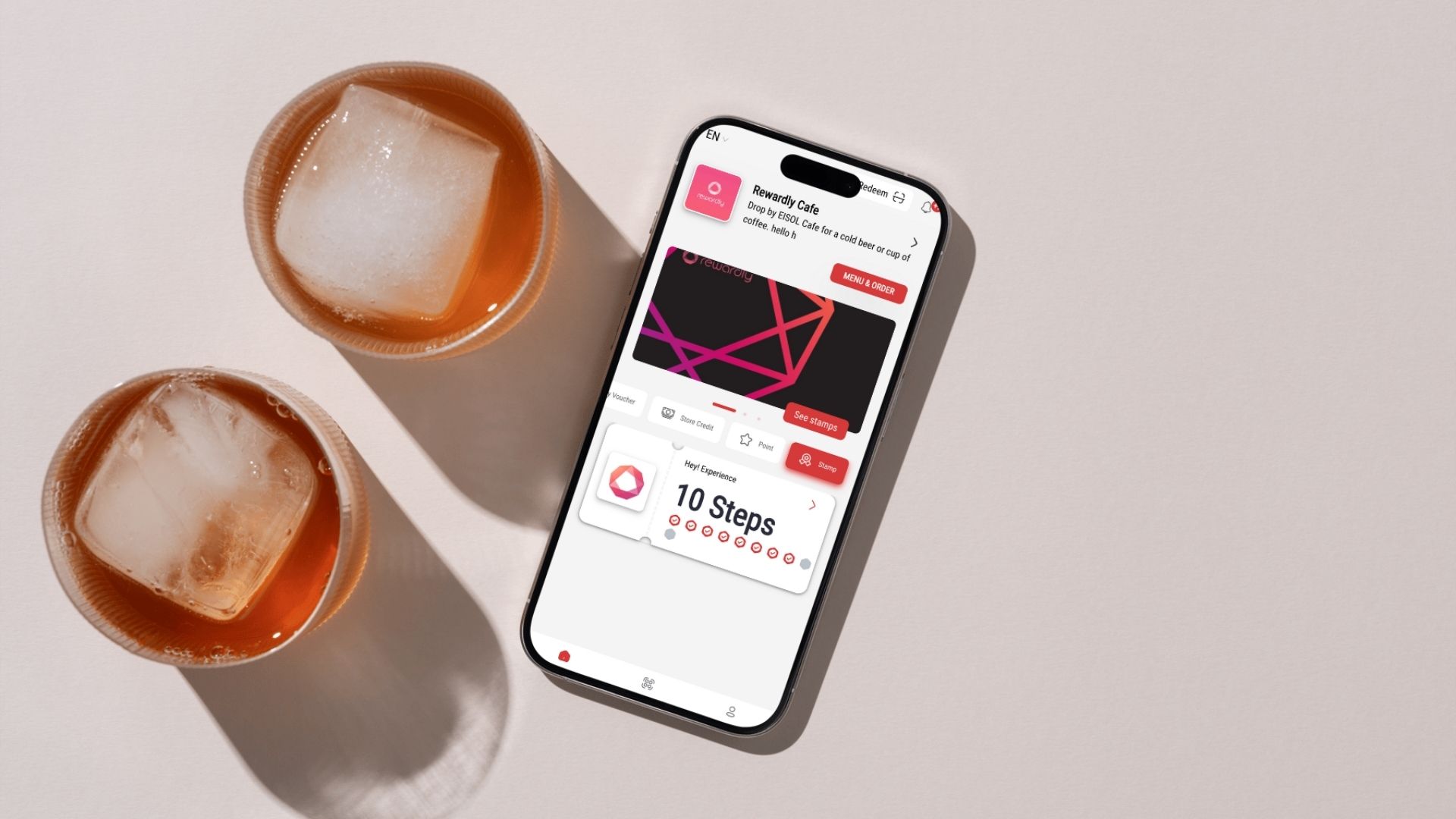
Have a plan for changes that affect existing rewards. In a notice published on 3 November 2026, Gyu-Kaku Singapore set 15 November 2026 as both its CHIJMES outlet’s last trading day and the rewards redemption deadline. For your own promotion, say where an issued voucher will still be accepted, the last day to use it and how customers can reach you if they have a question. Update the offer and the cashier’s answer together. If there is another outlet, verify the voucher there before telling members they can use it.
Review the reward before expanding the offer
Check three records during the first review: completed cards, reward vouchers issued and reward vouchers redeemed. They answer different questions. If customers finish cards but rarely use the vouchers, first ask whether the expiry, available item or redemption outlet is understood. If progress is missing, start with the member, the item and the completed sale before asking an authorised staff member to correct the record.
Compare similar weeks and note holidays, price changes and stock shortages. Ask staff which part of the offer takes longest to explain. For a second outlet, run the same test before advertising shared redemption. Use the Rewardly transactions guide to find stamp and voucher records, and track questions at the counter alongside the records so the team can decide what to change.
Bring your proposed offer and two sample baskets to a Rewardly demo. Walk through an eligible purchase, an excluded item and a later redemption with the payment methods you plan to use.