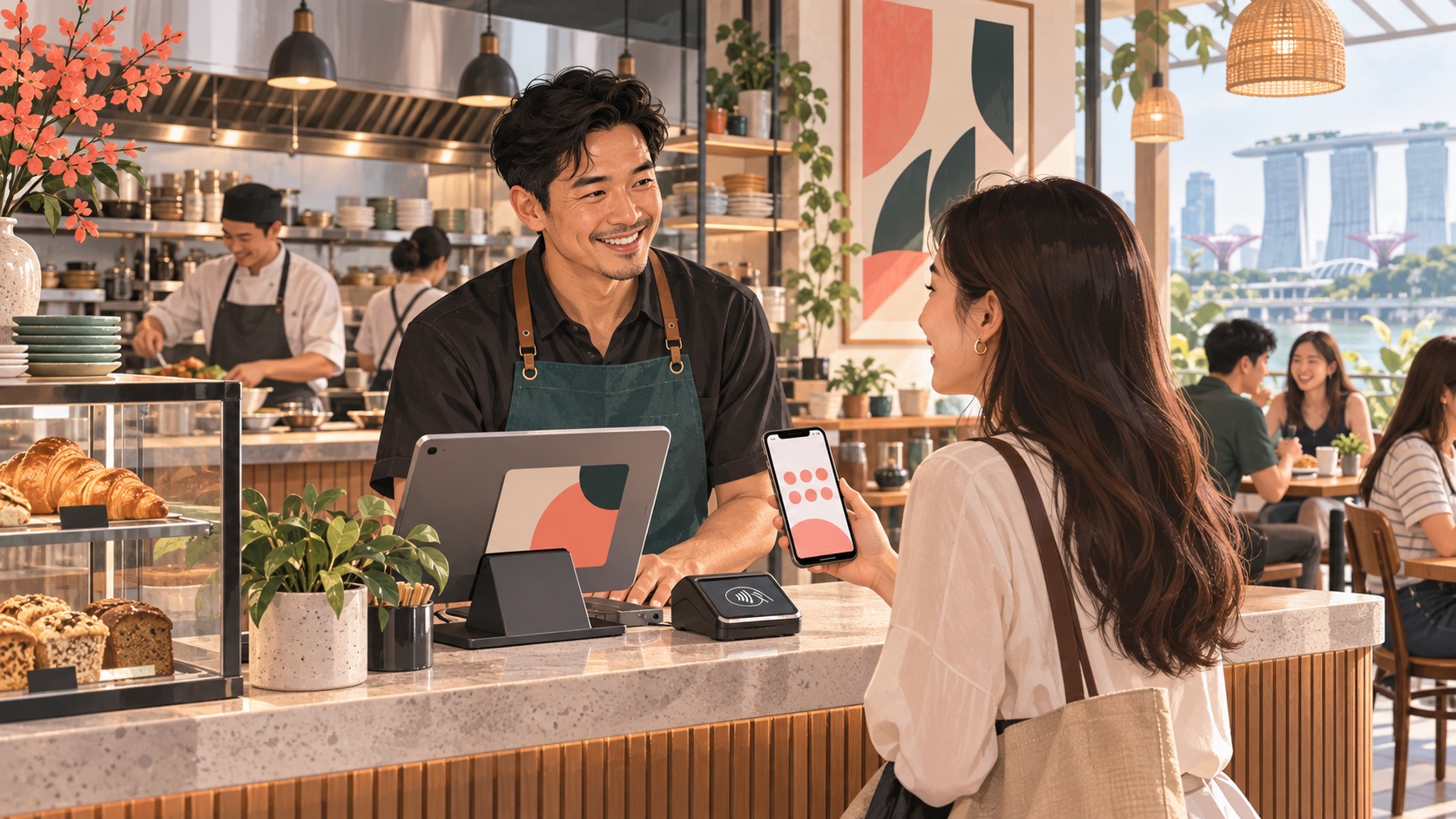
A busy lunch service depends on more than how quickly a customer orders. Guests need clear choices, the kitchen needs accurate instructions, and staff need to know which orders are paid and ready to collect. A short kiosk or QR pilot helps you find avoidable mistakes before they turn into slow service or remakes.
For a Singapore café or quick-service restaurant, use CommerceOS to keep orders clear, LoyaltyOS to give regulars understandable reasons to return, and PaymentOS to help the team take payments with confidence. The business value is a journey guests find easy and staff can manage with less back-and-forth.
Why the workflow deserves attention this week
The Business Times reported on 7 October 2026 that Singapore's F&B sector needs to improve productivity and redesign operations as manpower remains constrained. That is context from last week, rather than a new announcement today.
The Food Services Industry Digital Plan refresh announced by Enterprise Singapore and IMDA on 16 July 2025 also connects digital solutions with skills and customer experience. This older roadmap supports an operational approach: plan the process and staff readiness alongside the equipment. It does not establish that a particular Rewardly package is grant eligible.
Start with one order your outlet already serves
Choose a small, realistic test basket: a drink with a paid modifier, a food item sent to another preparation station and one eligible member benefit. Add a takeaway version. This is an illustrative test, not a live Rewardly merchant case study.
Draw the journey from menu selection to payment confirmation, kitchen preparation and collection. Name the staff member responsible when each step needs help. A customer should know where to order and collect; the team should know which record establishes that an order is ready to prepare.
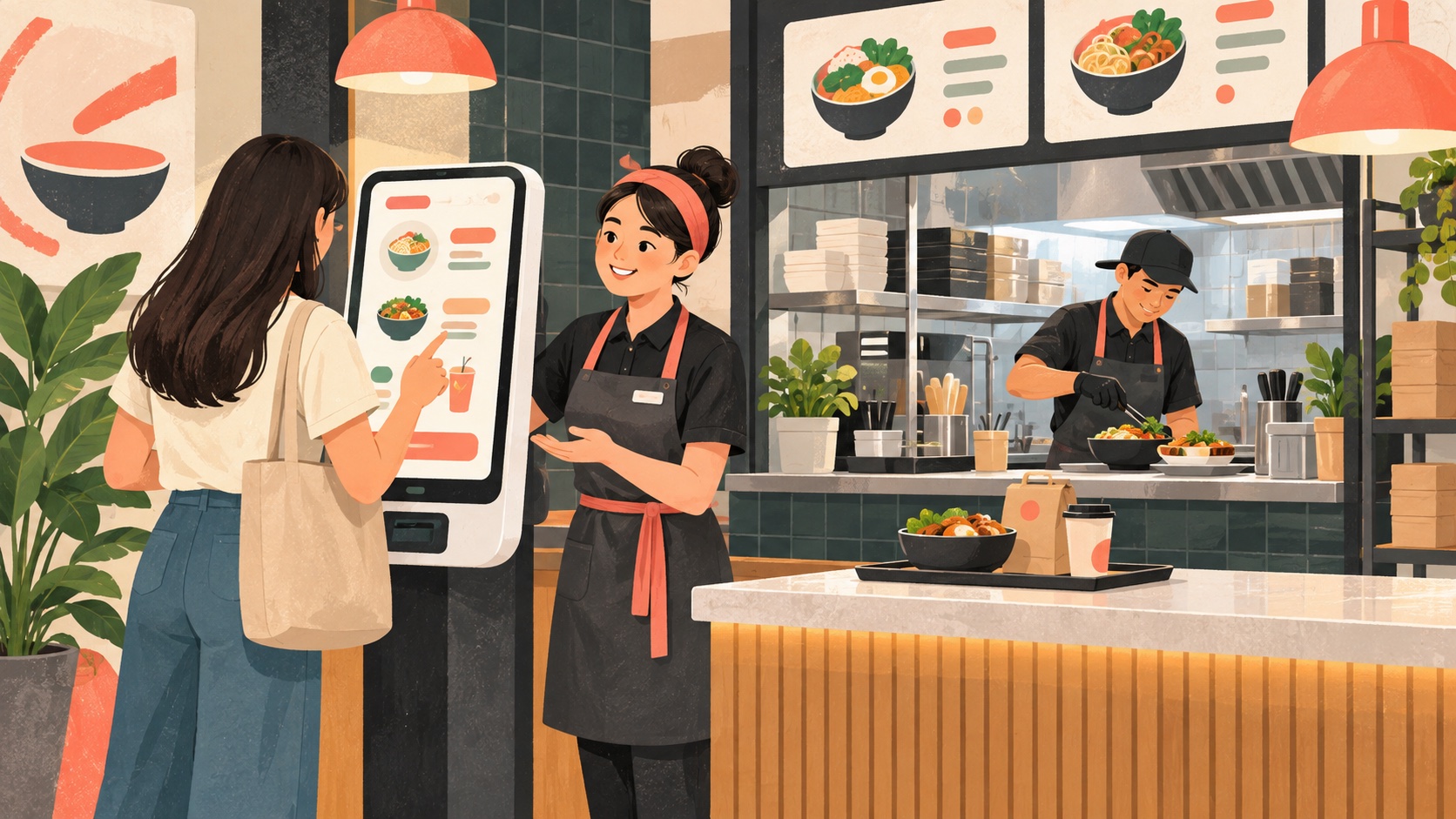
Use the kiosk where customers order before collection, or QR ordering where their own phone suits the service. Keep an assisted route available for guests who need it.
CommerceOS: make orders clearer and service smoother
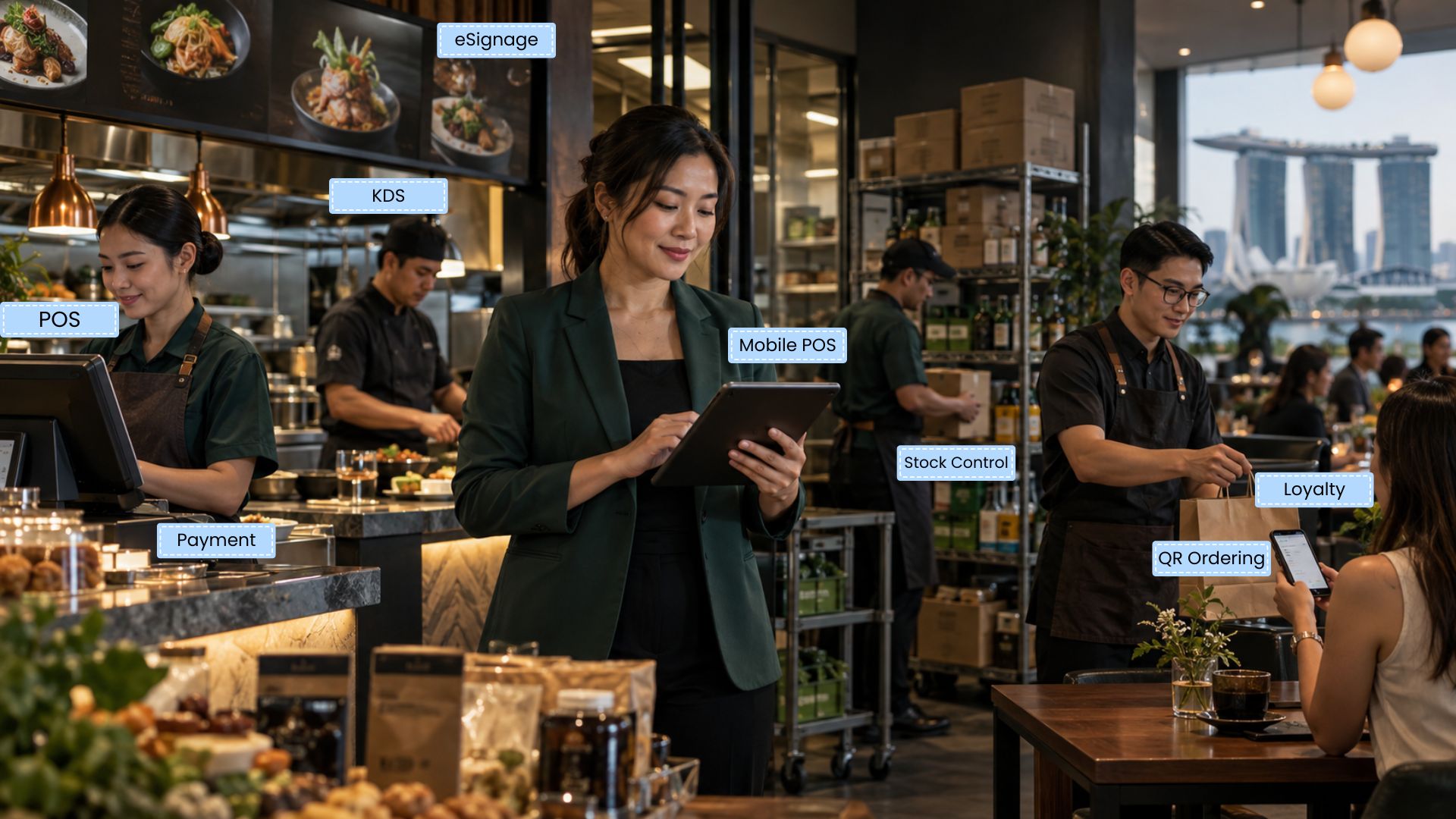
With CommerceOS, POS, online ordering, kiosks and kitchen screens support the customer journey. For a merchant, the aim is clearer menu choices and order details the team can follow, with less need to repeat instructions. Demonstrate the channels and modules included in your setup.
Check product names, pictures, prices, mandatory choices and modifier charges before placing the order. Then inspect the kitchen ticket or display: does it show the chosen options, service mode and information the preparation team needs? Confirm the routing for each station, including a basket that contains both food and drinks.
Use an unavailable item and a changed modifier in the test. Record how the customer is informed and how staff update the menu. For web pre-orders, also test the selected collection time against the fulfilment arrangements. Explore the kitchen display and eCommerce workflows when those channels are in scope.
LoyaltyOS: give regulars a clear reason to return
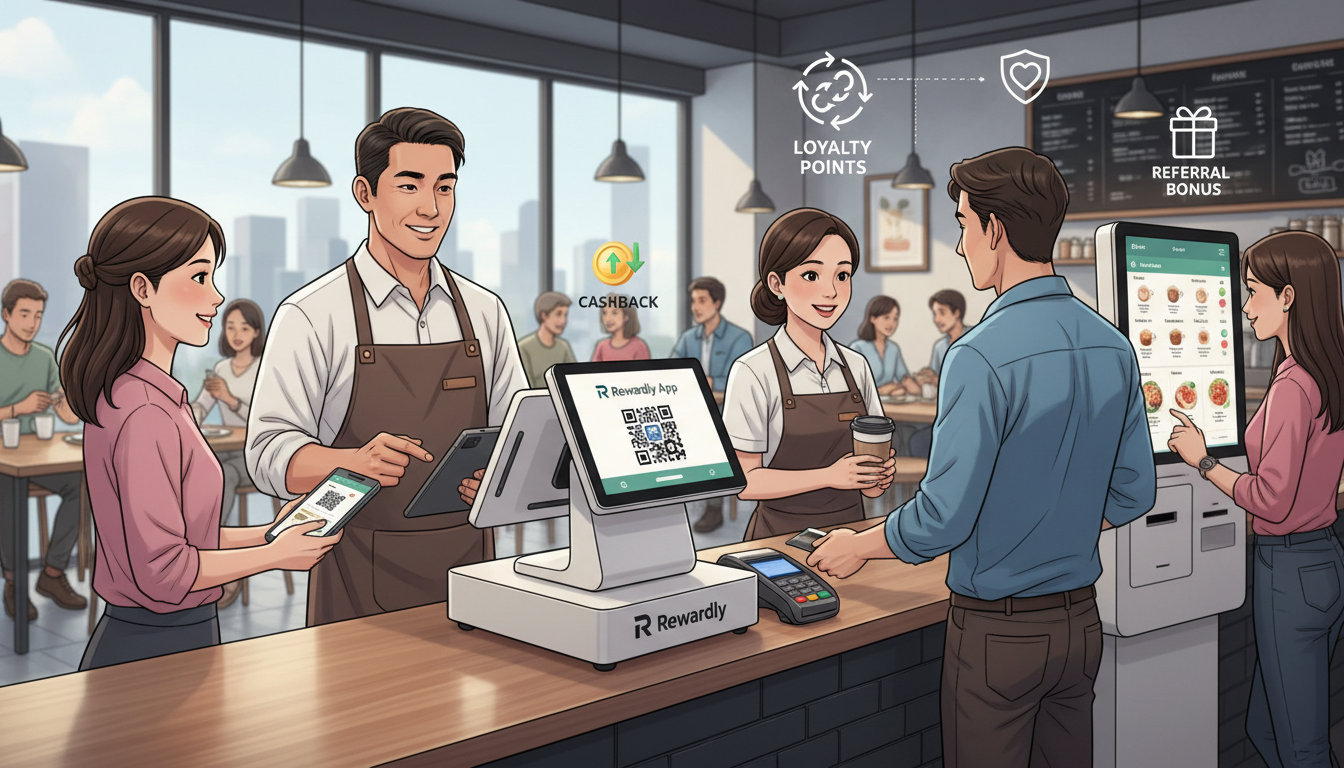
LoyaltyOS offers membership tiers, points, vouchers and digital stamp cards. These features let you shape a return-visit benefit guests can understand. Start with one simple offer: an eligible drink purchase could advance a configured stamp card. Agree the qualifying purchases and completion reward before launch.
Test member identification on the chosen kiosk or QR channel and confirm the attached member before checkout. Do not assume that accepting a payment automatically identifies the guest. Compare a member purchase, a non-member purchase and a purchase containing a non-qualifying item.
For a digital voucher, test validity, minimum spend and the eligible items. For a stamp programme, confirm how a refund affects progress and any completion reward. Explain the result in one sentence staff can use. Membership, points and stamps can serve different goals; the pilot does not need every reward type.
PaymentOS: help staff hand over each order with confidence
A clear payment check helps staff avoid handing over an unpaid order or repeating a charge. PaymentOS documentation separates Manual PayNow from card and gateway integrations. A selected payment method and a provider-confirmed payment are different events; agree how staff will verify the actual method you use.
With a compatible integrated setup, demonstrate the order amount reaching checkout and the resulting payment record. Also test a decline, a pending response and an interrupted connection. Ask who investigates the exception and when the kitchen should begin preparation. Follow your approved operational process rather than treating an uncertain response as success.
At closing, review the day's orders against payment reports and the provider's settlement records. Confirm how fees, timing differences, cancellations and refunds appear. The payments overview is a starting point for that discussion, not a promise that every provider or payment route has the same reconciliation flow.
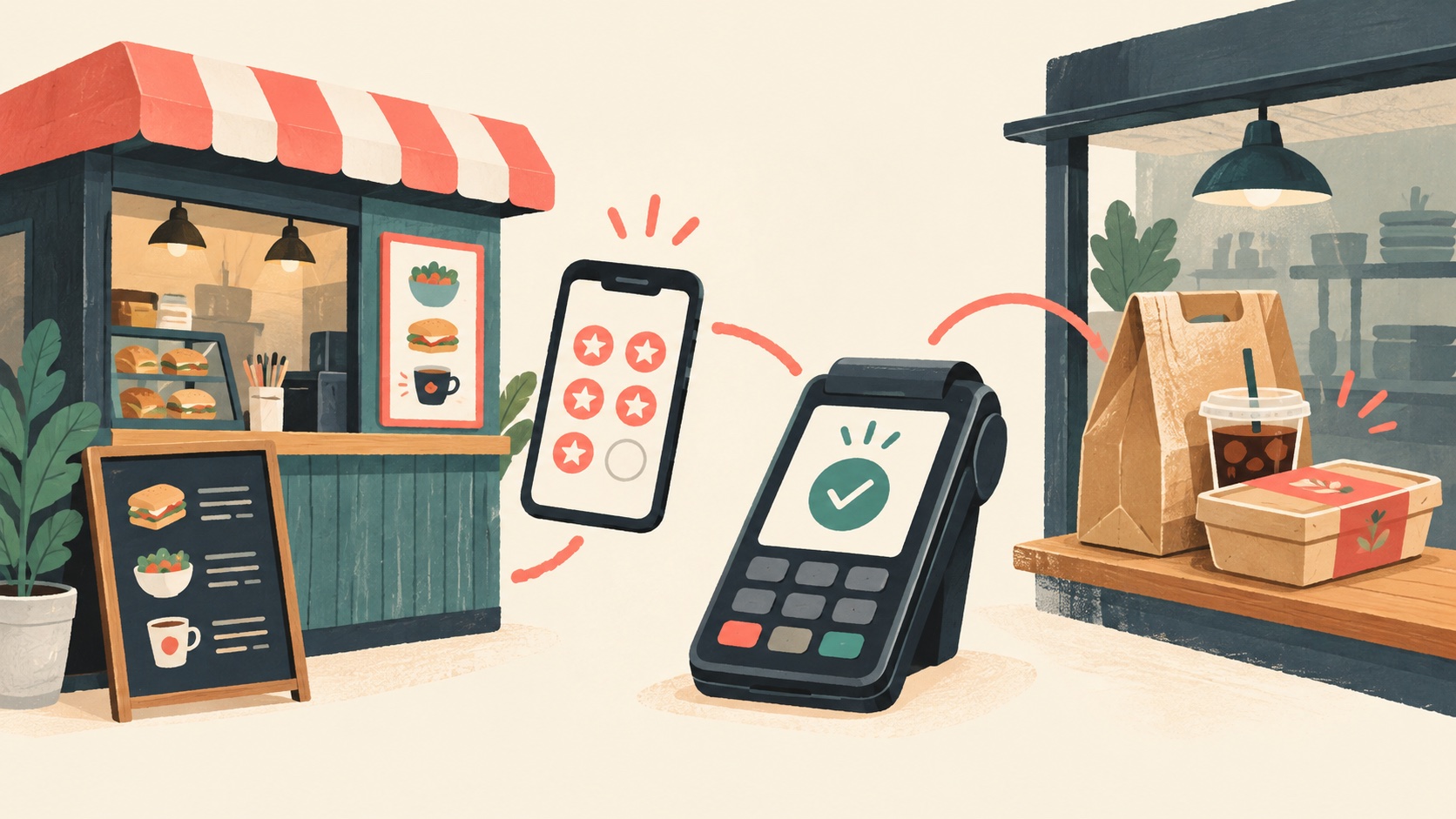
Run five service tests before a busy shift
Write down the expected result with your implementation team, then record the observed result. The following checklist proposes tests; it does not claim that they have already passed on your installation.
| Test case | What to verify |
|---|---|
| Normal order with modifiers | Basket amount, preparation details, station routing and collection reference agree. |
| Unavailable item | The customer sees the agreed alternative or restriction, and staff know how to resolve the order. |
| Member benefit | The correct member, eligible items and earning or redemption result are recorded. |
| Declined or pending payment | Staff follow the exception process and avoid an unintended duplicate charge or premature handover. |
| Cancellation or refund | Order, payment and applicable reward adjustments follow the configured process. |
Measure the pilot at the counter and in the kitchen
Compare similar service periods, menu mixes and staffing levels. Track ordering time, preparation time, requests for assistance, payment exceptions and remakes. Review eligible member participation and reward costs separately. A quicker order entry is useful only if preparation and collection can keep pace.
Start with a manageable service window and a team member available to help. Refine the menu, routing or instructions using the observed exceptions before widening the rollout. Avoid promising a fixed sales uplift or staff saving from someone else's results.
For broader background, read the existing kiosk guide. Book a Rewardly walkthrough with your test basket, reward idea and current payment setup, and ask the team to demonstrate the same five cases together.