
Before booking a POS demo, ask the colleague who closed your last shift which sale they remember. It might be the customer who changed sizes after claiming a reward, or the transfer nobody could match to a receipt. Take that sale to the demonstration. By the end you want three things you can use back at the shop. Get a receipt your staff recognise, a report your closing supervisor can explain and a written price for the exact setup you saw.
Give each supplier the same shopping basket
Imagine a Singapore boutique selling the same shirt in two sizes. A regular shopper chooses one, picks up a tote bag and asks whether a member reward applies. A colleague plays the shopper while the person who normally serves customers operates the proposed till. Use invented products and a test member. Give every supplier the same starting details and expected total. The POS solution overview can help you select the selling channels to include before you book.
Write the expected result on paper before anyone shares a screen. Which size should be on the receipt? Which item earns a stamp? What amount remains payable? Leave room beside each answer for what actually happened and who had to intervene. If the presenter steps in, ask your colleague to repeat that part without prompting. A short list of actions the team can reproduce makes a better training brief than a recording nobody has time to watch.
Follow the item from the rail to the receipt
In CommerceOS, outlet menus group products and control where they appear for sale. Ask to see the menu assigned to your sample outlet. Have your colleague select the shirt, change the size before payment and remove the bag when the shopper changes their mind. Check the final quantity, price and receipt together. If you also sell online, inspect the same item on the proposed online menu. Record which settings someone must maintain when the assortment changes.
Let the regular customer ask a difficult question
Set up a LoyaltyOS test offer with a clear qualifying product. Its stamp-card rules can award a configured gift when the member reaches the target. Have staff identify the test member before taking payment. Try a qualifying sale, then a purchase containing only an excluded item. Ask the staff member to show the balance after each completed purchase and explain the difference in one sentence a customer could understand. This catches ambiguous promises before they appear on a sign in your shop.
Repeat the exercise with the shopper declining to identify themselves. Decide what staff should say if someone remembers their membership after leaving. Ask the supplier which corrections are supported, who can authorise them and what evidence remains. Record any manual follow-up beside the offer. If you operate two outlets, name both on the test sheet and request a demonstration of the intended earning and redemption rules at each location.
Trace a payment the closing team cannot immediately match
The Association of Banks in Singapore explains how PayNow Corporate links a business UEN to a participating account. In your demo, ask a different question. How will the closing supervisor connect this particular order to the money received? In PaymentOS, payment reports distinguish payment totals, manually matched PayNow transfers and applicable payout records. Ask which confirmation method is configured for your outlet, what setup it requires and what reference the person closing the shift can use.
Rehearse a customer showing their phone while staff still cannot confirm the order payment. Use a test environment and let the supervisor explain when to pause, whom to contact and what to record before a second collection is considered. Then ask your bookkeeper to find the order in a sample export for that outlet and period. If a supplier offers accounting sync, name your accounting package and request a demonstration there. An export you can open and an entry posted into your accounts are different deliverables.
Price the setup your team just rehearsed
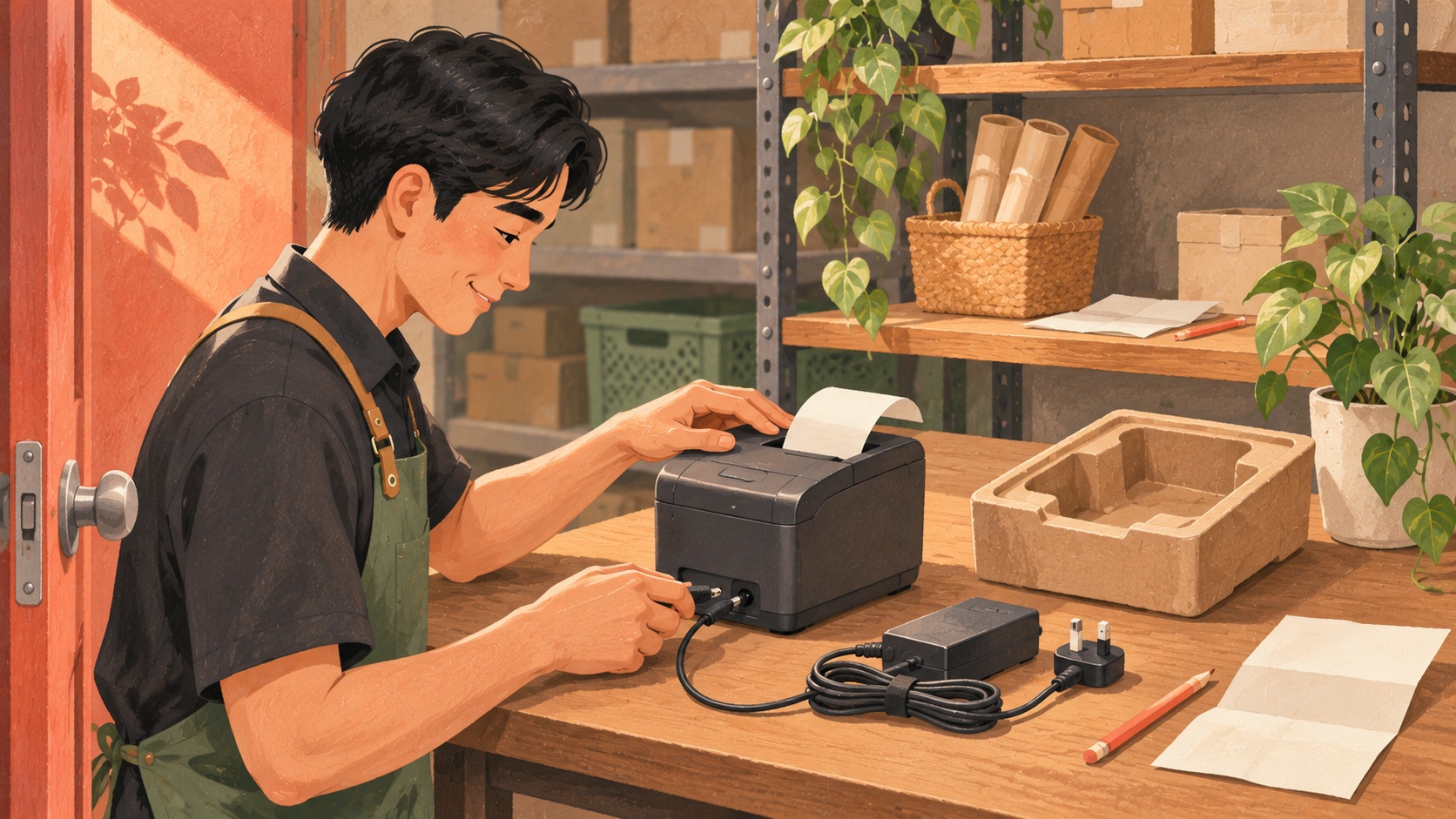
Ask for a quote with separate lines for hardware, installation, recurring software, payment charges, optional services and support. Beside each line, write whether the charge applies per outlet, device or transaction. If the offer has no upfront cost, ask when the first payment is due, how long the agreement runs and what happens to the equipment on exit. Ask the supplier to identify the exact package in writing if funding matters. IMDA’s pre-approval guide gives context on the solution assessment process.
Compare quotes over the same trading period. As a fictional example, a fixed monthly charge of S$100 spread over 1,000 paid baskets contributes S$0.10 per basket before transaction charges. At 500 baskets that same fixed charge contributes S$0.20. Repeat the calculation with your own quiet month and your own written fees. Keep a refundable deposit separate from a fee and mark optional equipment separately. A less expensive starter package may still be suitable if it covers the workflow your team demonstrated.
Finish with a decision someone can act on
Mark each requirement as demonstrated, dependent on setup or still open. Keep the test receipt and sample report alongside the quote. Give each open item a named owner and a date for a written answer. For example, your supervisor might confirm the uncertain-payment procedure while your bookkeeper checks the export and your outlet lead checks the printer replacement terms. Book a Rewardly demo with your basket and those questions so the session reflects the work your team will actually do.