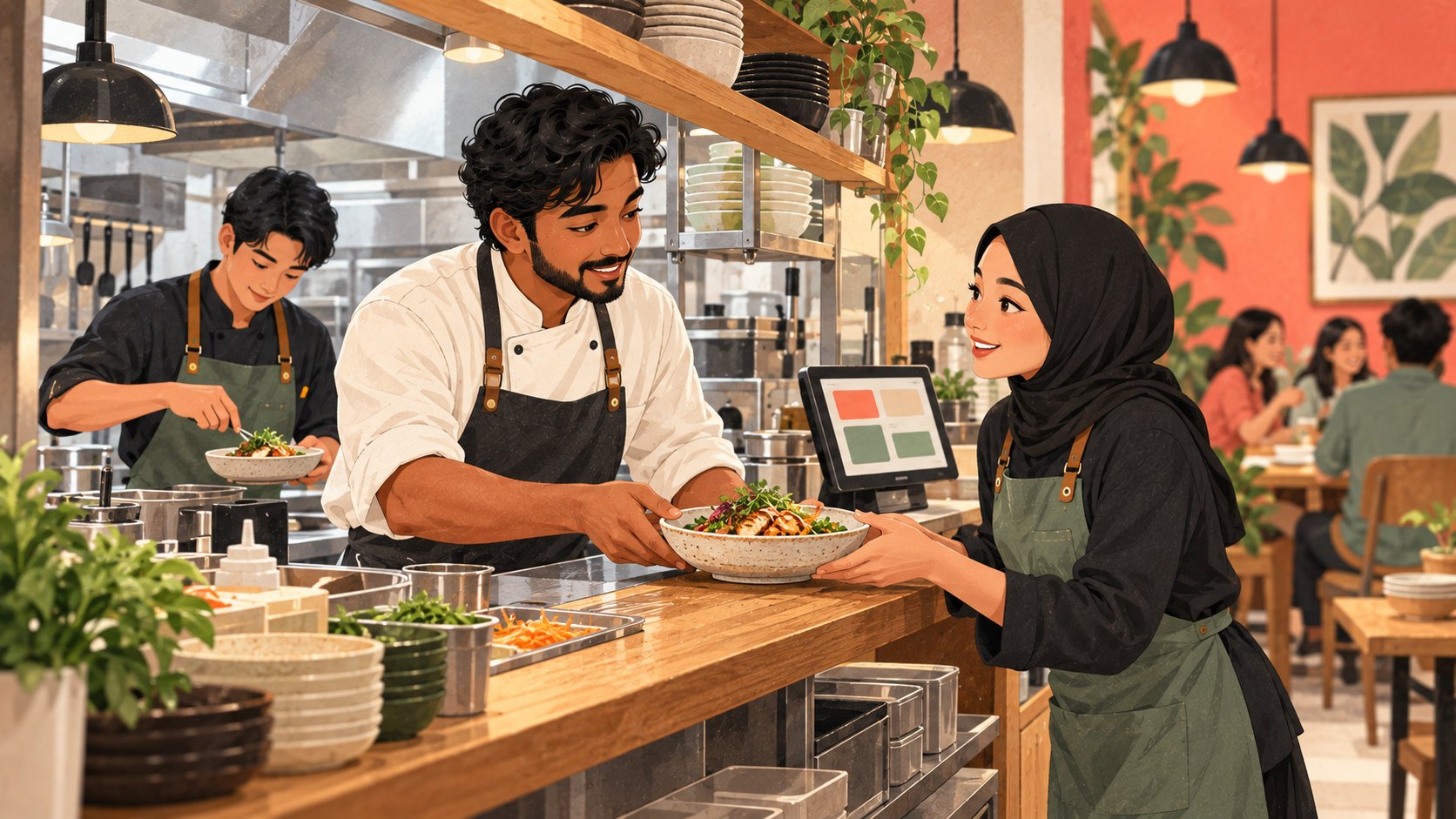
A restaurant order is only useful when the next person knows what to do with it. The server needs the right table, the kitchen needs the dish and its changes, and the cashier needs a clear bill. When choosing restaurant POS features in Singapore, start with these handovers. A longer feature list matters less than a service routine your team can follow confidently.
This refreshed guide follows a fictional neighbourhood restaurant with a hot-food station, a drinks station and table service. It connects CommerceOS orders and kitchen work, LoyaltyOS member benefits and PaymentOS payment review. The scenario is illustrative, not a customer result. Use it to prepare a demonstration around your own menu and team responsibilities rather than assume that every module or channel is included.
Decide who owns each service handover
Write down who takes an order, checks changes, prepares each item, collects the food and confirms delivery to the table. Include the colleague who answers a guest when something is missing. An on-screen status is helpful only when everyone agrees what it means. Ask the supplier to walk through a complete meal with your staff, including one mistake and its recovery.
The Food Services Industry Digital Plan announcement of 15 July 2025, updated the following day, includes a Digital Skills Training Roadmap alongside digital solutions. This is older sector guidance, not a new October announcement. Its practical relevance is that tools and staff capability need to develop together. Do not treat it as evidence that a particular Rewardly package qualifies for funding.
Keep the order understandable from the start
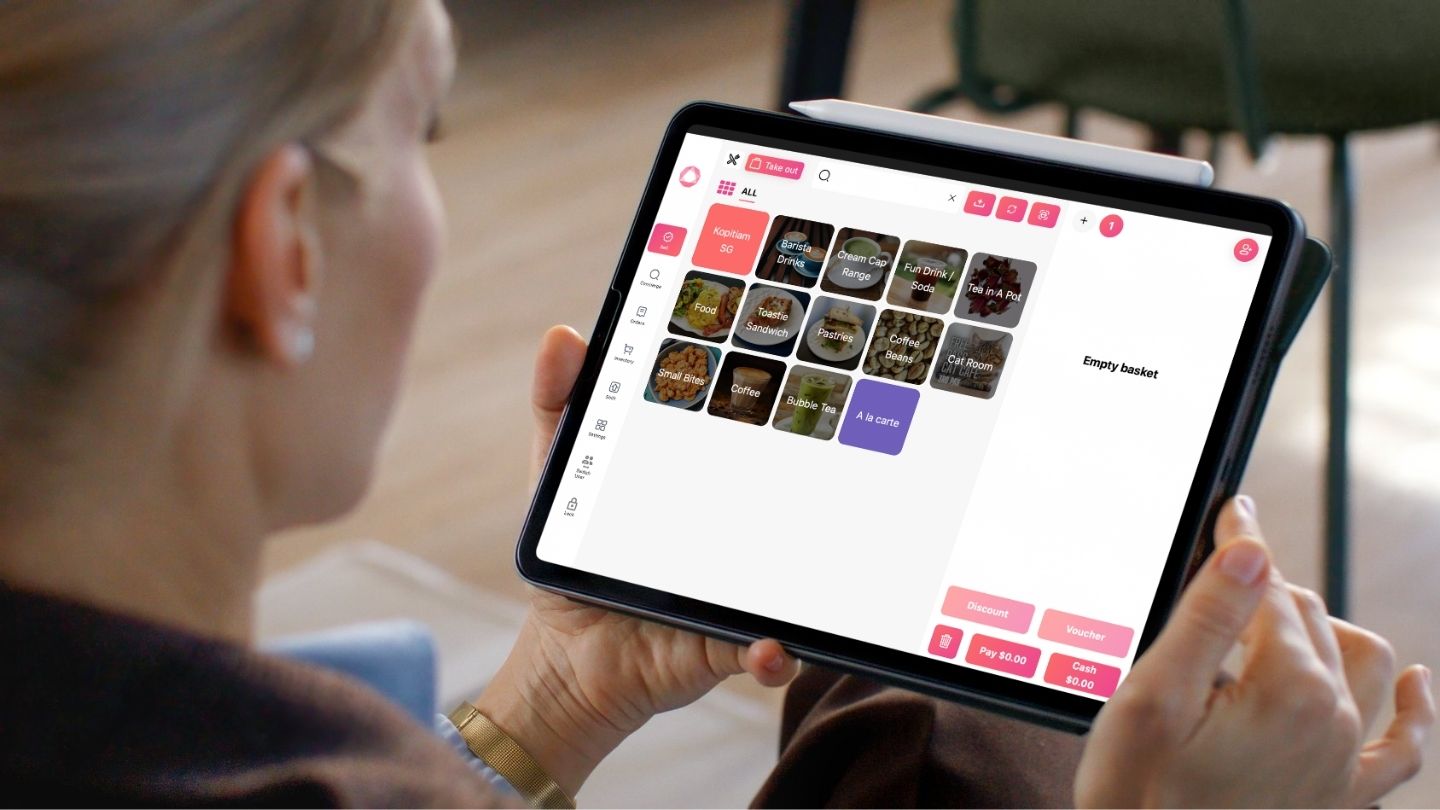
CommerceOS brings the sale and its order details into the service journey. Test a normal table order using your dishes, quantities and modifiers. Ask the kitchen colleague to read back what they would prepare. A remark on a ticket should support communication; for a safety-critical dietary request, retain your restaurant's direct confirmation procedure. A screen is not a guarantee that a request has been understood.
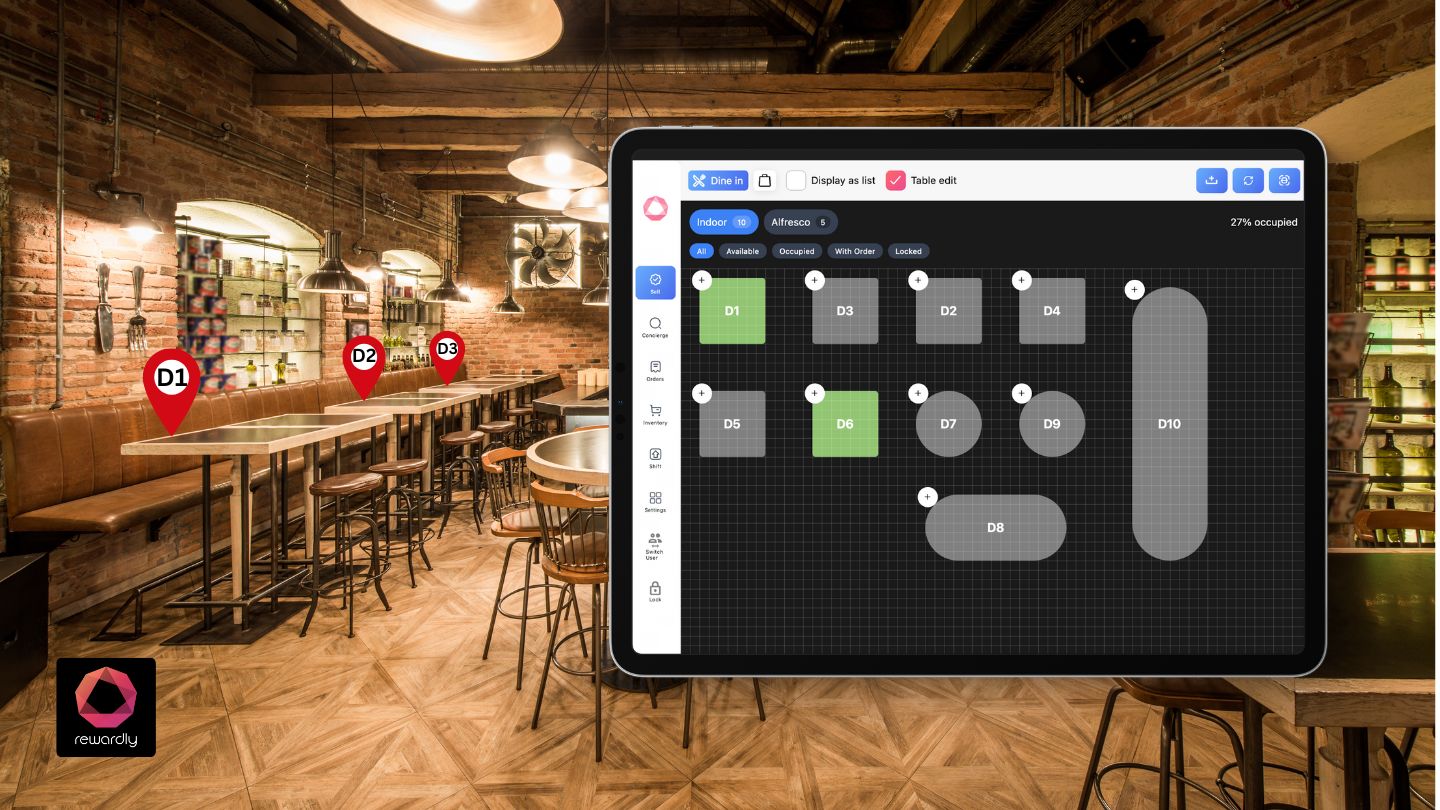
Rewardly's order-management documentation describes order source, outlet, table, item details and payment status in the admin console. Use those records to investigate a disputed order rather than ask colleagues to rely on memory. Order numbers restart daily, so use the date as well as the number when finding an earlier meal. For dine-in teams, demonstrate the table layout and how it supports the actual service routine.
Separate kitchen preparation from serving the guest
A kitchen display system helps colleagues see incoming work and update progress. Rewardly documents kitchen and waiter roles: the kitchen marks items done, while the waiter marks them served. Those are different promises. A bowl ready on the pass has not yet reached the guest. Agree who checks the order before carrying it out and who records the final handover.
CommerceOS kitchen displays can be scoped by product category or tag, helping a drinks station focus on drinks and a hot-food station on food. Test a mixed order so each station recognises its work and the runner can coordinate the whole table. Current documentation applies this kitchen flow to Quick Service and Full Service outlets, not Retail. Confirm the outlet type and configured screens before including KDS in your plan.

Practise recovery when a ticket is cleared too early
Ask staff to demonstrate an item marked done by mistake and an order completed before every dish is ready. The current KDS app documentation says the whole-order Done and Served actions complete the order regardless of individual item progress. Train colleagues to check the complete meal before using them. An automatically disappearing station ticket should not be mistaken for confirmation that every station has finished.
Rewardly documents a history-and-recall flow for bringing an accidentally cleared order back to the active board. Demonstrate the appropriate kitchen or waiter role rather than assume both histories behave identically. Keep a clear fallback for a screen or connection problem and agree who checks whether an order already exists before re-entering it. Recovery should avoid creating duplicate meals or charges.
Make member benefits clear before payment
LoyaltyOS belongs in the guest experience, not as a surprise after the bill is closed. Decide when the server or cashier identifies a member and explains an available benefit. A membership tier alone does not award points; linked loyalty programmes define the earning rules. A voucher can also have product, spend, outlet and channel conditions. Choose one benefit the team can explain during a busy service.
Rehearse an eligible basket and one that does not qualify. Show the remaining amount before asking the guest to pay, and explain what happens if a voucher cannot be used. Link the service routine to the loyalty programme guide and voucher redemption guide. A friendly explanation and a reliable check are more useful than promising that every reward works everywhere.
Review the bill and payment as separate evidence
A completed kitchen order does not itself prove payment. Rewardly's order console exposes payment status separately, and PaymentOS reports group money received by payment method, with date, outlet and source filters. Its discount report distinguishes programme discounts from manual discounts. Review the relevant order and payment evidence when a guest is unsure whether a charge went through; agree who investigates before requesting another attempt.
Singapore Business Review's 19 October 2026 report discusses the OCBC SME Index for the third quarter of 2026 and notes that transaction values can partly reflect prices. This is dated context already available before today's review. For a restaurant pilot, examine service observations and costs alongside takings. Payment totals cannot by themselves show profit or prove that the new workflow caused additional sales.
Test one complete meal before expanding
Run a small rehearsal covering order entry, station routing, item progress, table handover, member eligibility and payment confirmation. Include a corrected item and a recalled ticket. Record where staff need help and repeat the exercise with the colleague who normally covers a different shift. If you later add QR, kiosk or online orders, test each configured source through the same kitchen and collection routine.
Bring your menu and one real service challenge to a Rewardly demonstration. Ask to see CommerceOS kitchen and serving workflows, LoyaltyOS benefit conditions and PaymentOS records working through the complete journey. Confirm training, support, included modules and total costs before deciding. The goal is a restaurant team that can explain what happens next, from the first order to the final bill.