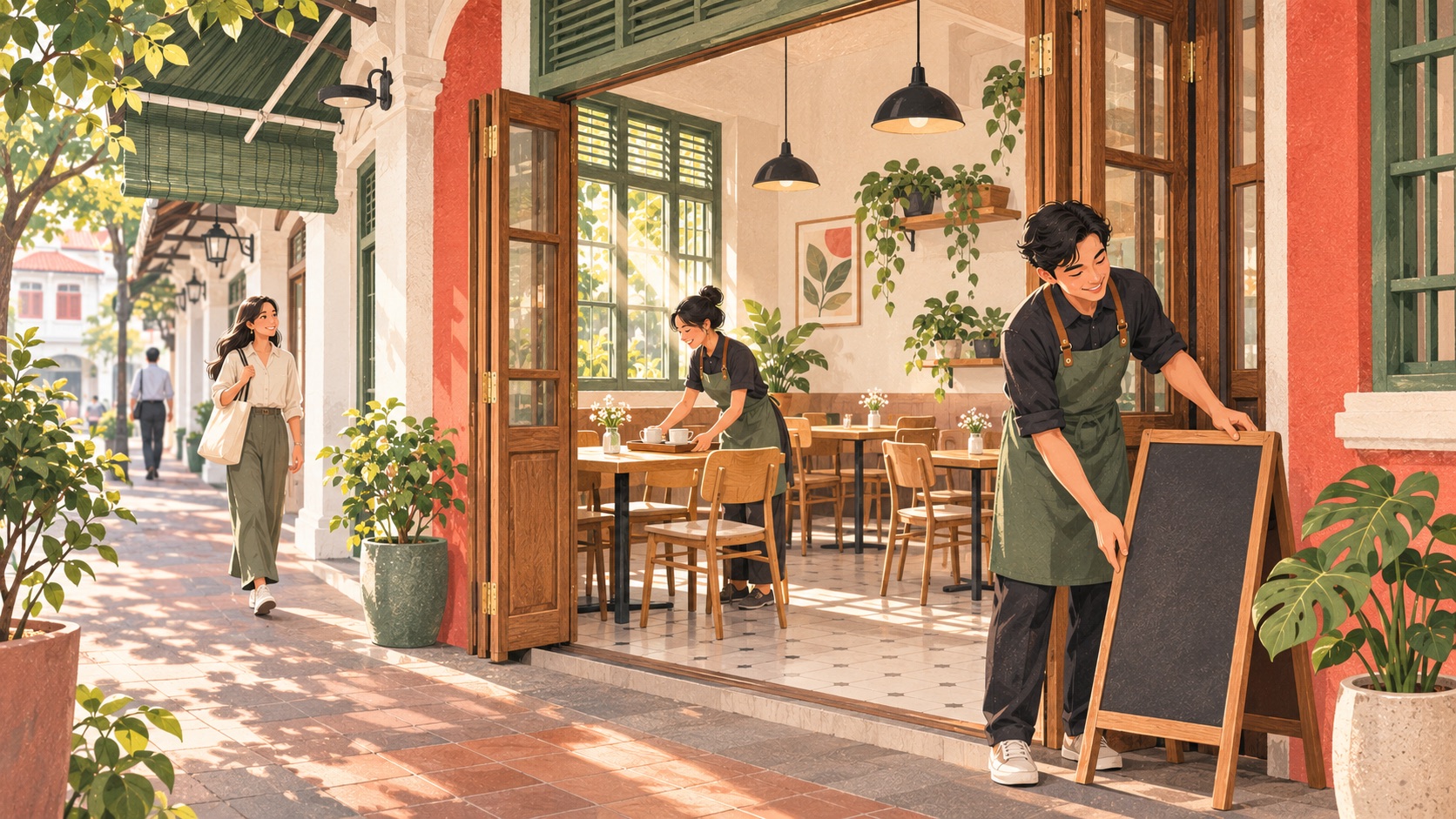
A café POS should help your team answer three everyday questions: what should we prepare, which guest is waiting, and has the order been paid? Rewardly CommerceOS connects ordering and preparation, LoyaltyOS supports useful member rewards, and PaymentOS provides payment handling and reports. The value comes from making those handovers clear for a small team.
A commuter collecting coffee needs a different journey from friends staying for brunch. Build your setup around both, rather than adding more screens to the same queue. This updated café playbook follows a fictional trading day, from opening checks to closing review, with practical questions to bring to a demonstration.
Start with your service bottleneck
Singapore’s Ministry of Manpower announced the food-services wage schedule on 16 March 2026, covering increases from July 2026 to June 2029. That is dated operating context, not new November news. For a café owner, our practical recommendation is to examine repeated work before assuming that another device will reduce staffing needs.
Observe an ordinary busy period. Does the queue stall while staff find a modifier, chase a missing drink, explain a reward or verify a transfer? Pick one measurable task to improve. Record its current waiting time or correction count, then repeat the observation after training. Cooking, hospitality and resolving exceptions still need people; software alone cannot promise a faster service or a particular saving.
1. Open with the right menu for each journey
In CommerceOS menus, products and categories form the menu assigned to an outlet. Product visibility controls where an item appears, including POS, kiosk and online ordering. This lets a café present relevant choices without making staff maintain a separate handwritten list for every selling point. Check the actual outlet and channel settings before opening.
For example, a takeaway guest may need a quick coffee-and-pastry choice, while a seated guest wants the brunch menu. Test sizes, milk choices, additions and the final price in the proposed setup. If you run several branches, check each branch’s offer and stock responsibility. Do not assume that duplicating yesterday’s menu gives every location the right availability or pricing.
2. Send food and drinks to the right people
Rewardly’s kitchen display documentation allows displays to be filtered by categories or tags. A drinks station can see the items it prepares while another station handles food. The customer-facing pickup display can show preparing and ready orders. Configure these for the outlet’s service model and rehearse the handover with the people who will use them.
Imagine a sandwich and two coffees arriving through different preparation stations. Someone must still check that the full order is ready before handing it over. Agree who makes that decision, where completed items wait and how staff handle a correction. A clear order reference and an assigned collection point help the guest understand what happens next. A screen cannot replace that responsibility.

3. Make stock records useful before items run out
Counting pastries and costing a latte are different jobs. Rewardly’s product inventory tracks whole items, while Ingredients & Recipes connects a product to quantities of beans, milk, packaging or other materials. With ingredient tracking enabled, a sale deducts the configured recipe amounts. Accurate starting quantities, units and recipes are essential; a recipe saved with tracking off does not deduct ingredients on sale.
Use physical checks to account for spills, preparation differences and waste that a sales count cannot observe. For a group buying ingredients centrally, include purchasing costs and outlet allocations in the discussion. Rewardly documents average and latest purchase prices by ingredient and outlet from received stock orders. These support cost review, but do not establish a complete central-kitchen production or transfer workflow without a scoped demonstration.
4. Offer regulars a benefit staff can explain
A useful café reward has a clear qualifying purchase and a clear next step. LoyaltyOS stamp cards can issue a configured gift when a challenge is reached. For a product-based card, the selected products determine eligibility; a category used to find products is not itself a blanket earning rule. Test qualifying and non-qualifying purchases before making the offer live.
At the POS, attach the member before payment and check eligible benefits. Qualifying stamps are awarded after the sale completes, with the resulting reward issued to the member’s account. Explain validity and redemption conditions in everyday language. Do not assume every payment identifies a member automatically. Use the digital stamp-card guide when planning the offer, and judge its cost alongside contribution margin and return visits.
5. Add online orders without confusing collection
CommerceOS online ordering lets guests open an outlet link or scan its QR code without downloading an ordering app. Orders enter Order Management and configured kitchen screens. Allowed ordering hours, advance orders, padding time and blackout dates help define when orders can be accepted. Review those settings against your preparation capacity and staffing.
For a fictional office breakfast collection, decide the promised pickup time, packaging owner and payment check before advertising it. Keep advance orders separate from an immediate walk-in request until they are due for preparation. Confirm any delivery-platform connection for the named platform, outlet and account; a general omnichannel description is not proof that every marketplace is connected. The pre-order guide covers the collection promise in more detail.
6. Close the loop on payment and the next shift
The Association of Banks in Singapore explains that PayNow Corporate links an entity’s UEN to its participating account. Your POS workflow still needs to establish how a particular bill is confirmed. PaymentOS distinguishes manual matching from supported automatic PayNow, which requires setup by Rewardly. Demonstrate an uncertain payment and a refund alongside a successful sale; no approval-rate improvement is promised here.
PaymentOS reports separate tender totals, discounts, manually matched PayNow transfers and applicable PayNow payouts with fees. Review the same period and outlet, then check the provider’s settlement record. A reward discount, a points payment and a bank deposit are different entries. Give unresolved items an owner and order reference so the next shift can continue the investigation.
Before choosing a café POS setup, request a walkthrough of your busiest basket, a sold-out item, a member reward, an online collection and a payment exception. Talk to Rewardly with your service model and current difficulties. Together, CommerceOS, LoyaltyOS and PaymentOS can support a clearer trading day when the menu, people, account services and operating rules are agreed before rollout.