
Standard merchant rates
Built for everyday business.
Card payments from1.8%
PayNow payments from0.5%
For businesses looking for a competitive, connected way to accept in-person payments.
Request your rateRewardlyPay / In-person payments
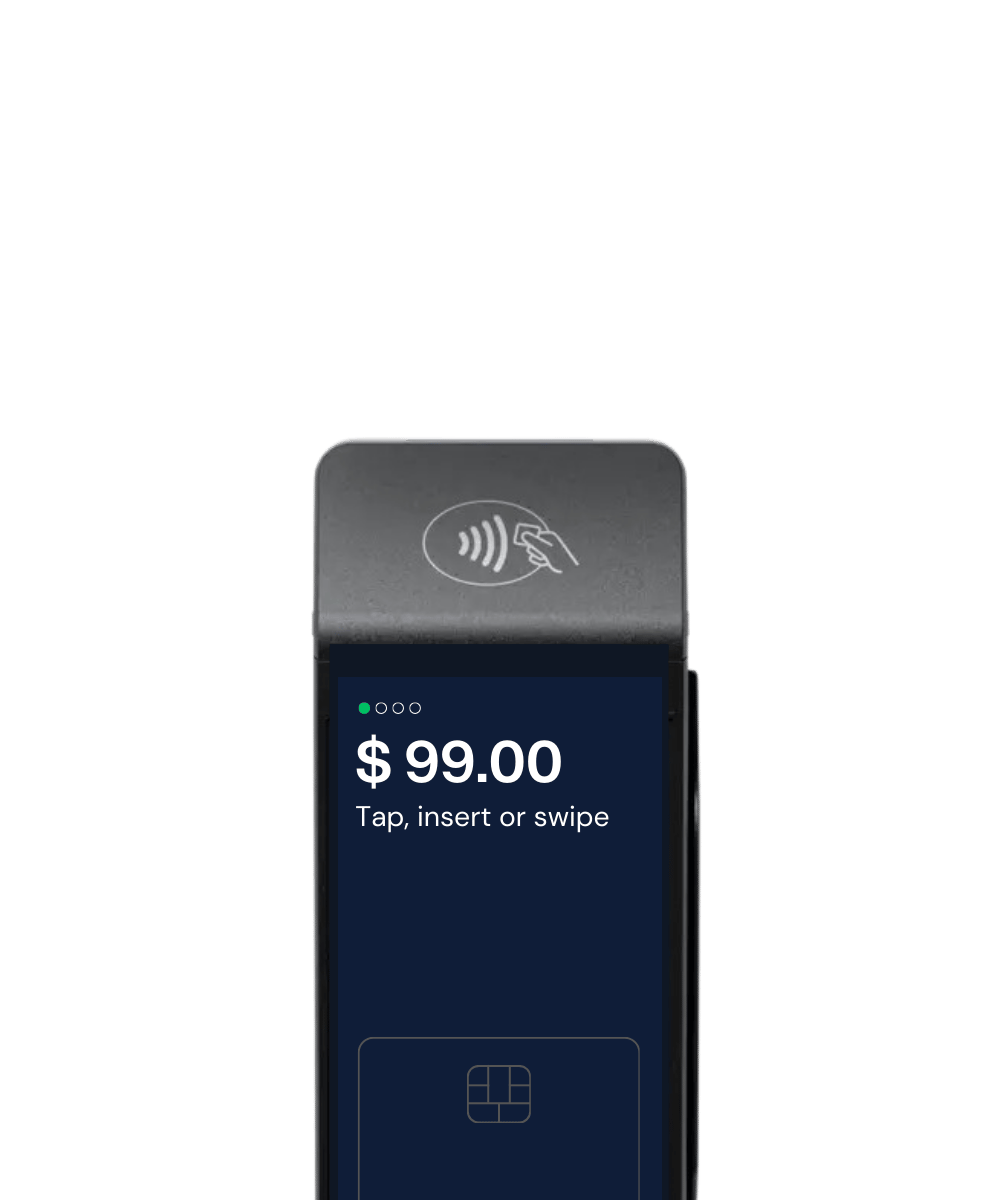
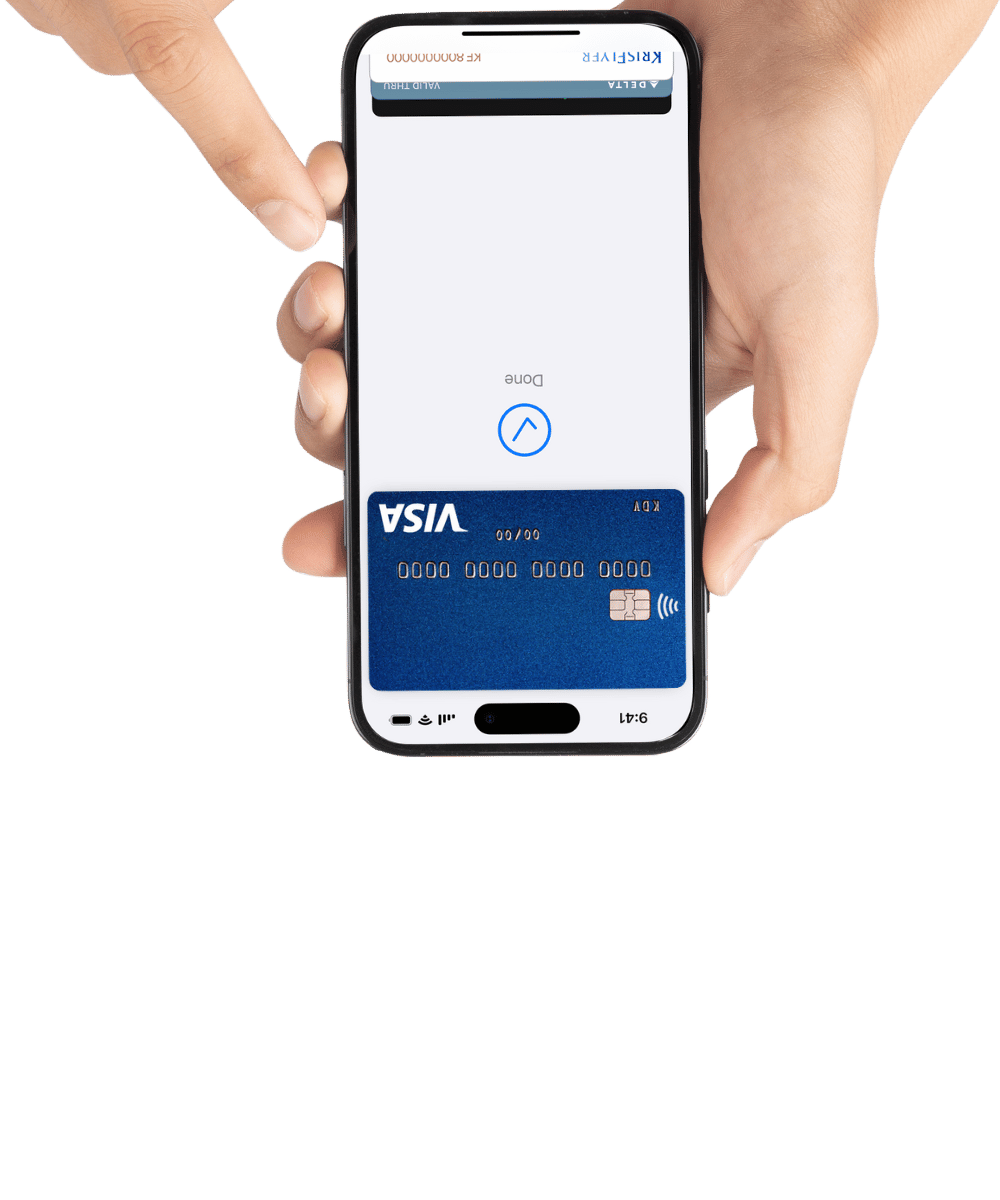
Accept supported card and PayNow payments through a compatible Rewardly POS setup. Keep the amount, payment confirmation and reporting connected, helping staff avoid re-entering values and giving managers a clearer view of takings by outlet.
POS and payments, explained
Your POS manages the sale; your payment service collects the money. A supported connection sends the amount to the payment device and returns the result to checkout. Confirm the exact POS, device and payment methods before rollout.
For a restaurant, that means checking payment before completing an order. For a retailer, it means keeping the basket and payment reference together. For a group, it means agreeing which outlet and register each payment belongs to.
Competitive rates for Singapore merchants
Start with the rate that fits your business. Tell us how you trade, your payment mix and your monthly volume for a tailored merchant quote.
Standard merchant rates
For businesses looking for a competitive, connected way to accept in-person payments.
Request your rateSpecial hawker rates
Preferential rates for eligible hawkers. Check your eligibility with the Rewardly team.
Check hawker eligibilityIndicative starting rates, subject to merchant approval, eligibility and your merchant agreement. Confirm applicable card types, transaction conditions, any additional charges and taxes in your quote. The displayed rates are not an all-inclusive fee schedule.
Familiar ways to pay
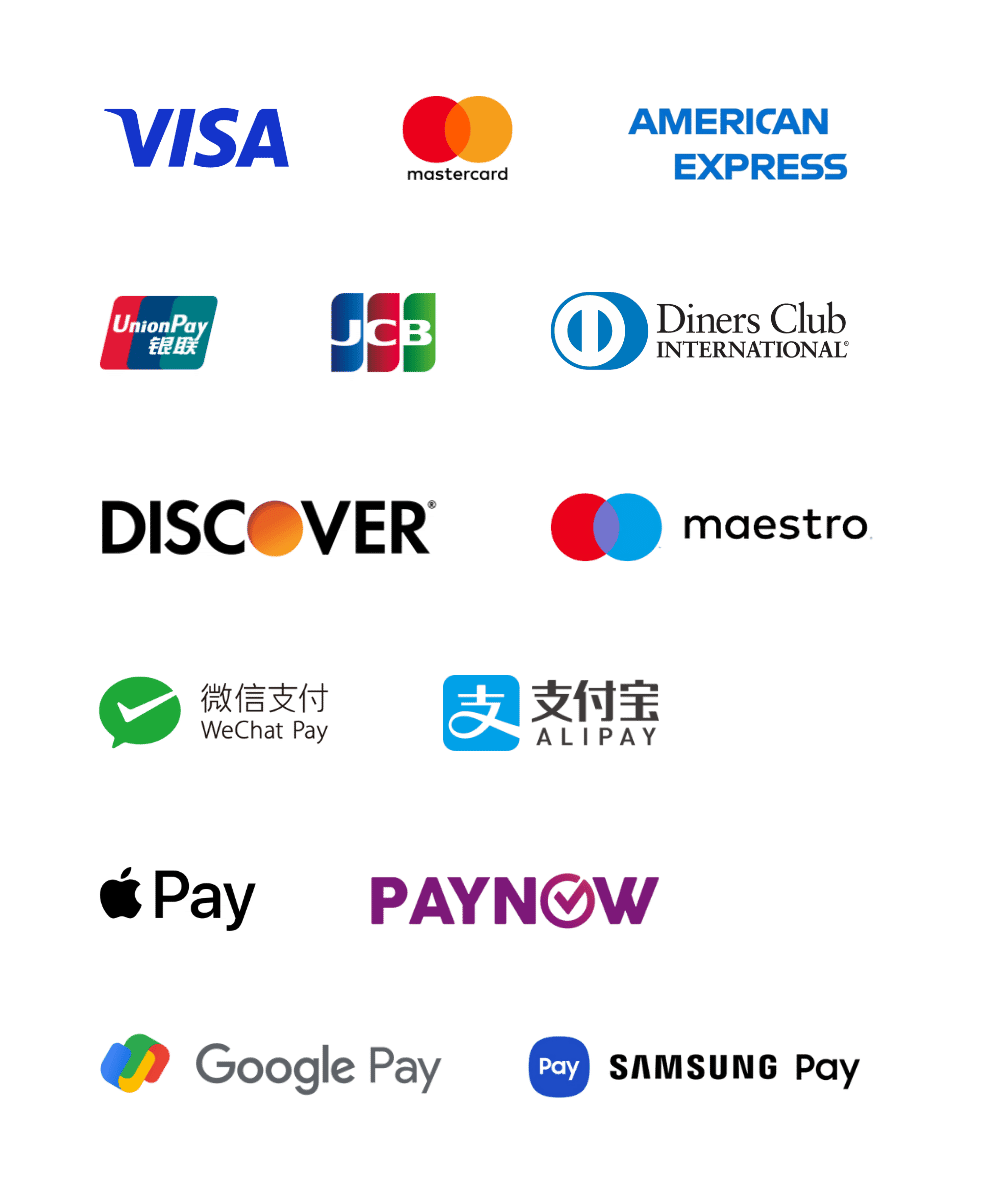
Support major payment methods commonly used in Singapore—from cards and PayNow to familiar mobile wallets.
Available methods depend on merchant approval, terminal compatibility and the services enabled for your account. Scheme-specific rates may differ.
 View payment methods
Confidence behind the counter
A local-bank arrangement sits behind merchant funding. Know how your proceeds reach your business, with the settlement terms clearly agreed during onboarding.
Ask the team to confirm the bank, payout schedule and funding terms applicable to your account. This is not a promise of instant settlement or protection against refunds and chargebacks.
A connected counter
Connect RewardlyPay with Rewardly POS or a compatible POS system to pass the payment amount into checkout and simplify reconciliation.
Keep the basket and amount due in the POS workflow.
Send the amount to the integrated terminal rather than asking staff to enter it again.
Bring payment records into the connected workflow for a clearer end-of-day review.
Less detective work at closing
PaymentOS reports can be filtered by date, outlet, register and sales source, including POS, kiosk and online. Export the records to CSV or Excel for your accounting review.
Review cash, cards, points and store credit by tender type. Keep each method clearly labelled so your team can explain the totals.
The PayNow Payout Report lists transactions, fees and net payouts. A separate Manual PayNow Report helps review manually matched transfers.
Compare sales and payment records with the provider settlement statement. A successful payment and a bank payout are different events; confirm your payout schedule and exception process.
Report date ranges are limited to three months per report. Review refund, dispute and settlement handling for your enabled provider during setup.
Compare the full payment setup
A headline transaction rate is one part of the decision. Ask for separate lines for hardware or rental, software, integration, onboarding, support and processing. Confirm any fixed transaction fees, taxes, refund or dispute charges, contract term and exit conditions.
Before rollout, demonstrate a normal payment, a declined or interrupted payment and a refund with the proposed POS and device. Agree what staff check before retrying, who handles exceptions and how the records appear at closing.

Beyond the transaction
Hotel PMS integration
Support hotel property management system integration, bringing payments closer to the guest-service workflow. Review your PMS, payment requirements and integration scope with the team before rollout.
Bring your PMS name and version to the demo. Compatibility and the supported workflows must be confirmed for your setup.
Card-linked loyalty
Support a card-linked loyalty programme that connects eligible card payments with customer rewards. Give participating customers another reason to choose your brand on their next visit.
Participating cards, enrolment, customer consent and reward rules depend on the programme configuration.
Explore GoShanonYour next payment setup
Bring your current payment mix, POS or PMS details and transaction volume. We’ll help scope the right setup and rate.
Good questions
A terminal takes payment; a POS manages the sale and its wider workflow. RewardlyPAY can connect payments with Rewardly POS or a compatible system. Bring your current POS and hardware details so the team can confirm whether integration or a different setup fits your business.
PaymentOS reports support date, outlet, register and source filters, including POS, kiosk and online. Export CSV or Excel records for review. Confirm which channels and payment methods are enabled for your account; reports do not mean every channel has identical fees or settlement terms.
Standard merchant rates start from 1.8% for card payments and 0.5% for PayNow. Rates are subject to approval, eligibility and your merchant agreement. Confirm applicable card types, transaction conditions, additional charges and taxes in your quote.
Eligible hawkers can access card payment rates as low as 1.2% and PayNow rates as low as 0.4%. Ask Rewardly to confirm your eligibility and the full fee schedule before signing up.
RewardlyPay supports major card schemes, PayNow and mobile wallets. The methods available to your business depend on approval, terminal compatibility and the services enabled for your account. Confirm your required methods during onboarding.
Merchant funding is secured by a local bank. Confirm the bank, settlement schedule and funding terms for your account during onboarding. Refunds, chargebacks and other conditions remain governed by your merchant agreement.
RewardlyPay integrates with Rewardly POS and compatible POS systems to reduce manual entry of payment amounts and support reconciliation. Confirm compatibility and test the checkout workflow with your chosen POS before deployment.
Yes. Hotel property management system integration is supported. Share your PMS name, version and required payment workflows with the team to confirm compatibility, integration scope and implementation requirements.
Yes. Rewardly supports card-linked loyalty programmes that connect eligible payments with customer rewards. Participating cards, customer enrolment and consent, and reward rules must be agreed as part of the programme setup.
Share your business type, monthly transaction volume, typical basket value, payment-method mix and outlet count. Include your POS or hotel PMS details, and say whether you need card-linked loyalty. This helps the team confirm eligibility, rates and integration scope.