
Cards and mobile wallets
Accept supported Visa and Mastercard contactless cards, Apple Pay and Google Pay.
PaymentOS / SoftPOS · Tap-to-Pay
Bring payment closer to the customer.
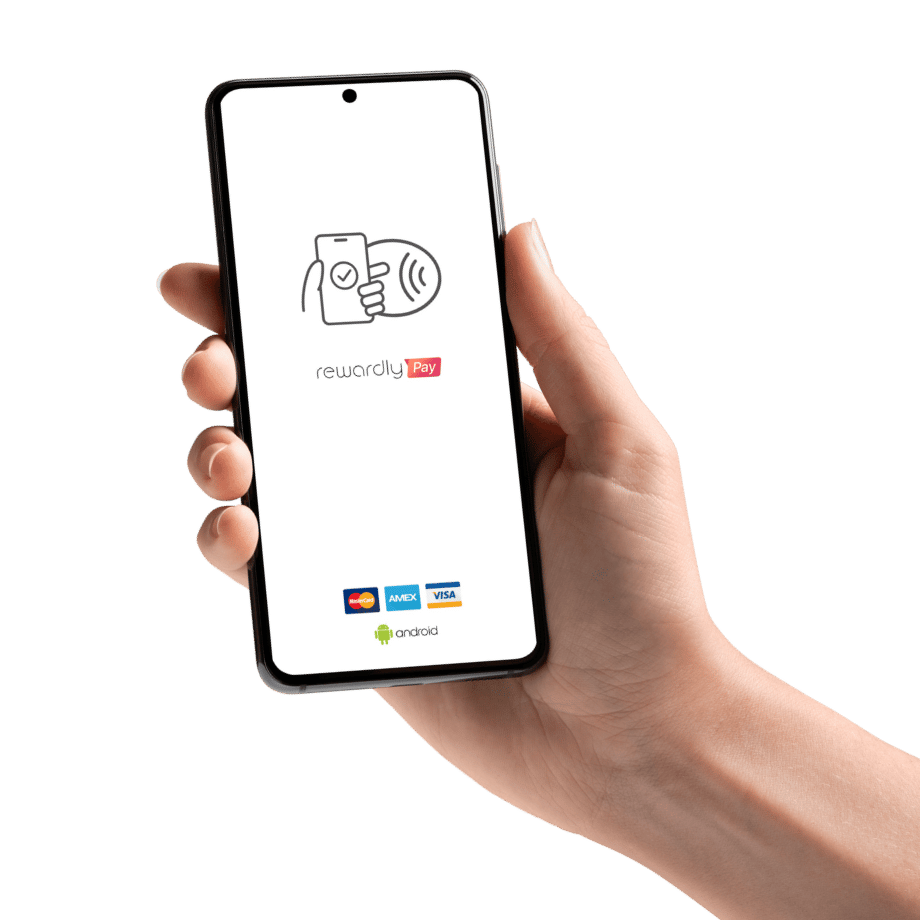
Rewardly SoftPOS turns a compatible NFC-enabled Android phone or tablet into a contactless payment terminal—without a separate card reader.
Familiar ways to pay
Rewardly brings contactless card acceptance into its POS platform.
Accept supported Visa and Mastercard contactless cards, Apple Pay and Google Pay.
Offer PayNow QR alongside card payments. QR scanning is a separate payment flow, not an NFC tap.
Available methods depend on your merchant setup. Payment logos in product illustrations do not confirm every scheme is enabled for every account.
Connected to the way you sell
 View kiosk
Self-service
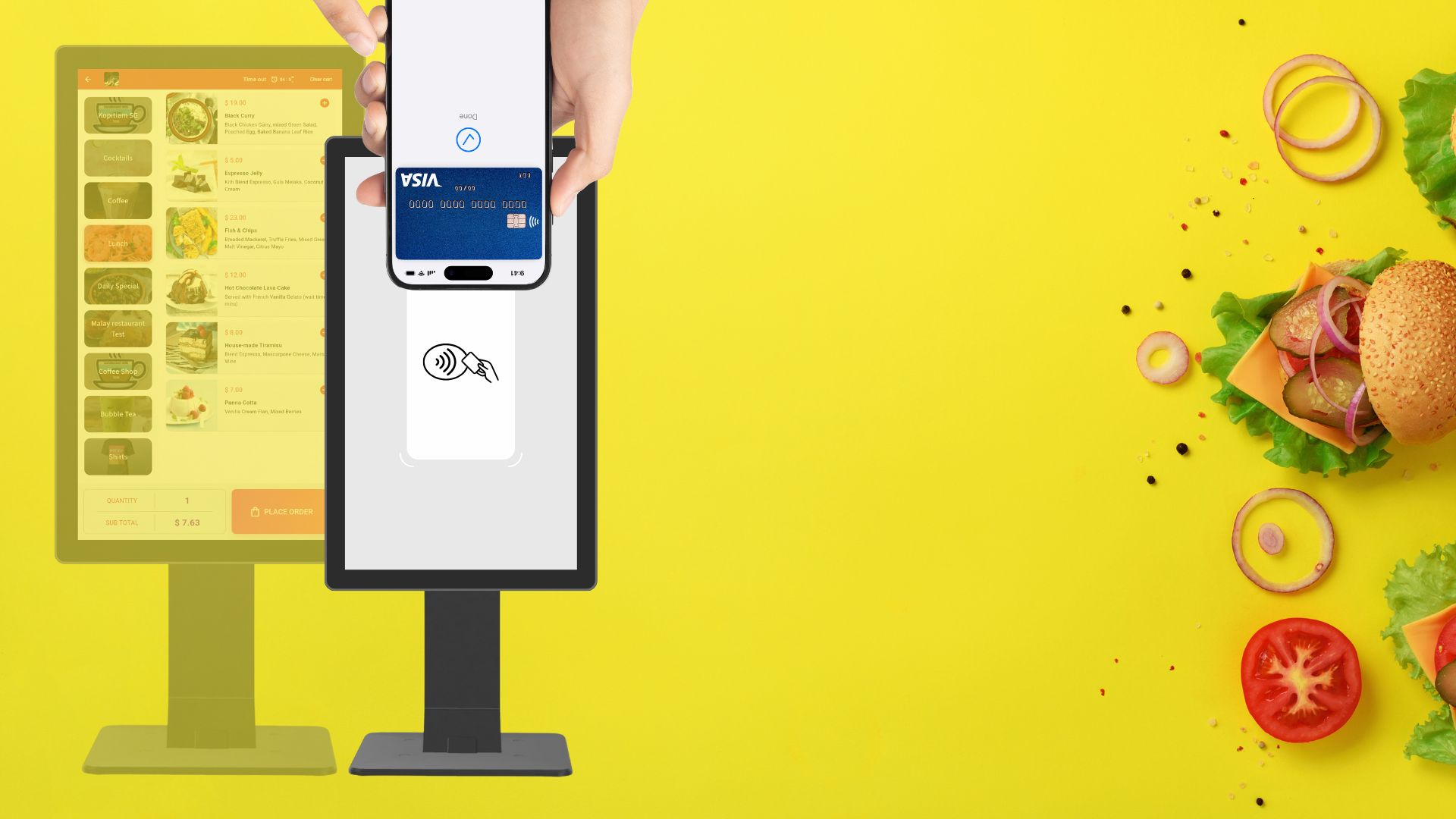
SoftPOS can be part of Rewardly’s self-ordering kiosk setup.
Explore self-ordering kiosks ↗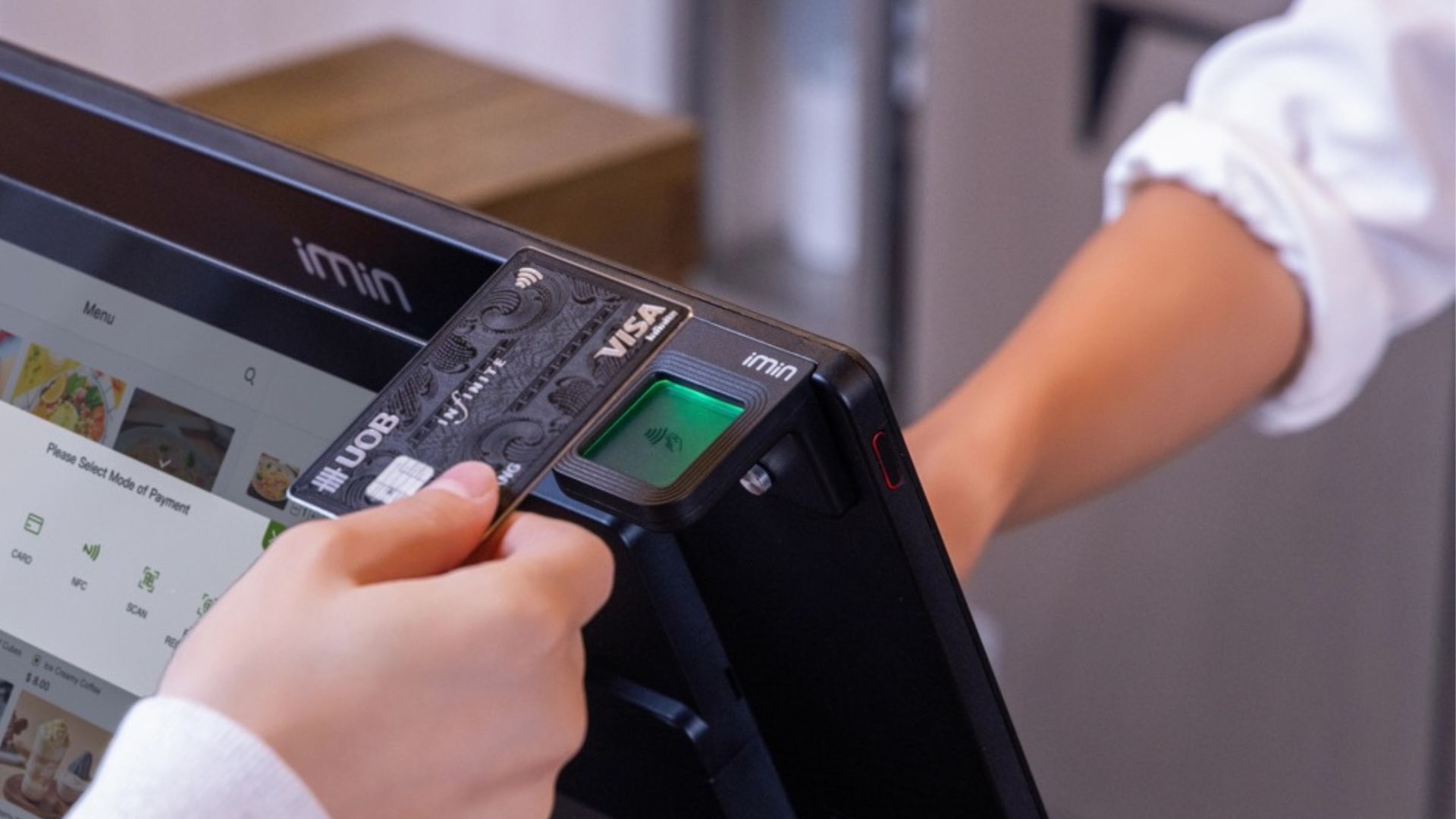 View terminal
Staff-assisted
Supported all-in-one POS hardware combines selling with SoftPOS acceptance.
Explore Rewardly POS ↗Hardware shown illustrates possible configurations. Confirm the specific model, peripherals and integration scope before purchase.
Start with compatibility
Rewardly’s published phone requirements are Android 10 or later, GMS certification and NFC.
Meeting these baseline requirements is a starting point—not a guarantee that every model is supported. Ask Rewardly to check your exact device and software version.
Check my setupCheck the operating-system version in the device settings.
Confirm certification for the exact model you intend to use.
Locate the NFC reading area so staff can guide the customer’s tap.
Design the service around the tap
Use these scenarios to plan a demonstration around your operation.
Plan how the team will take orders, confirm payment and hand over purchases in a compact selling space.
Walk through how staff identify the bill, present the amount and confirm completion without losing track of the order.
Consider whether an additional payment point would help, then confirm how devices, staff access and reconciliation would work.
Illustrative service scenarios to discuss—not promises of offline operation, queue-time reductions or unlimited devices.
A practical rollout
Bring your device model, sales workflow and required payment methods. Confirm merchant onboarding, pricing and settlement terms.
Agree who can take payments, how to match a payment to an order, and what to do if the outcome is unclear.
Use an approved test procedure to rehearse the tap, confirmation and receipt workflow. Check connectivity, charging and your fallback process.
Less distance between sale and payment
See how Tap-to-Pay could fit your business.
Good questions
No universal compatibility is promised. Use the requirements above as a starting point, then confirm the exact model, software version and merchant configuration with Rewardly.
No. A customer paying with Apple Pay is different from the merchant device accepting payment. This page describes Rewardly’s Android SoftPOS offering; confirm separately if you need a different merchant platform.
No. A QR payment requires a scan, while contactless card acceptance uses a tap. Train staff to follow the correct confirmation process for the payment method selected.
Request a quote for your account and device setup. Confirm transaction charges, any software or hardware costs, settlement timing and onboarding requirements. Do not assume same-day activation or rates from another payment product.
Do not plan around offline acceptance unless Rewardly explicitly confirms it for your setup. Check connectivity at the intended selling location and agree a fallback payment process.
Check the transaction status in the merchant system before retrying or handing over goods. Follow the agreed support procedure to avoid charging a customer twice.